NoteCast
Never lose a lecture again.
Hit record at the start of class and NoteCast takes it from there: a full transcript, a clean AI summary, and key terms, filed straight into the right subject.
In active development · iPhone · iOS 26+

You can write, or you can listen. Rarely both.
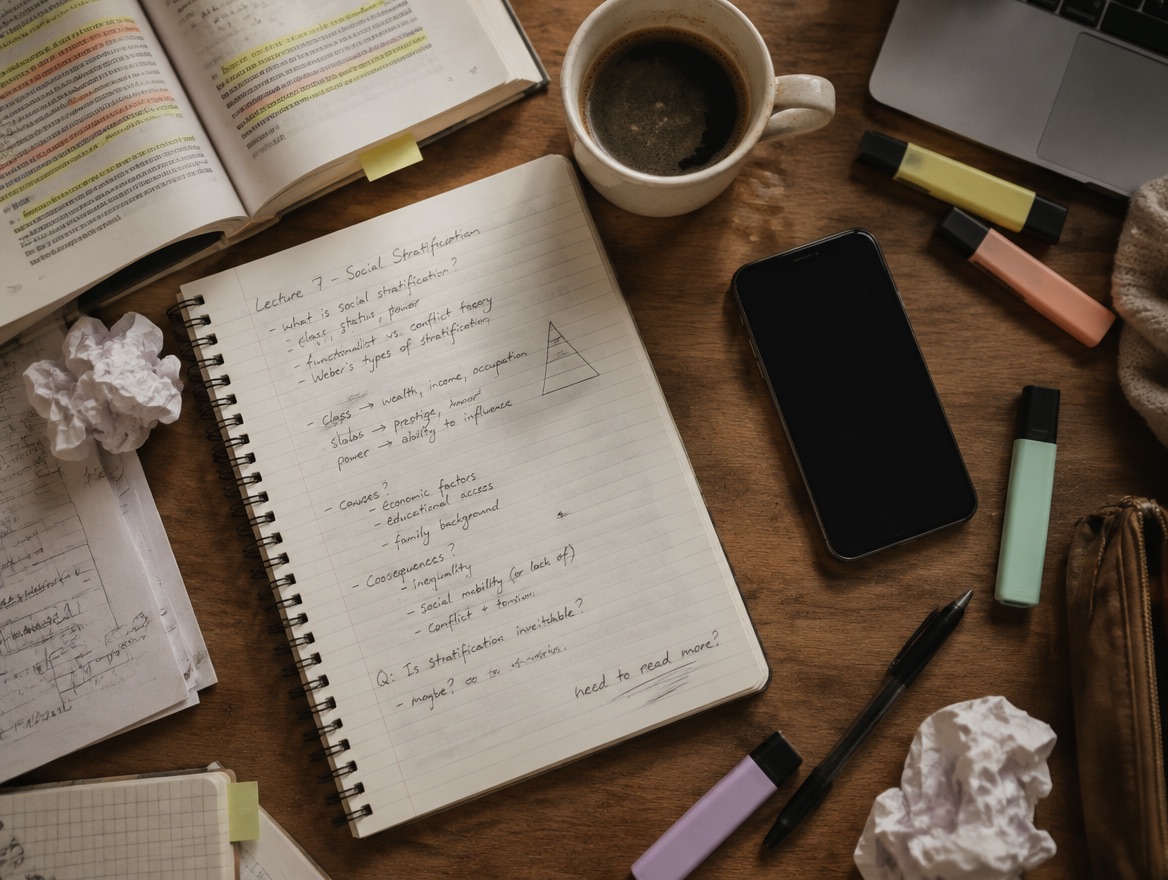
Look down to catch up on your notes and the professor's already three points ahead. What you do manage to scribble down is missing the parts that mattered, and the parts you do remember never make it onto the page.
So the recording sits there, one more unlabeled voice memo in a phone full of them. Finding the five minutes you actually need means replaying the whole hour.
Built around the way a real class actually happens.
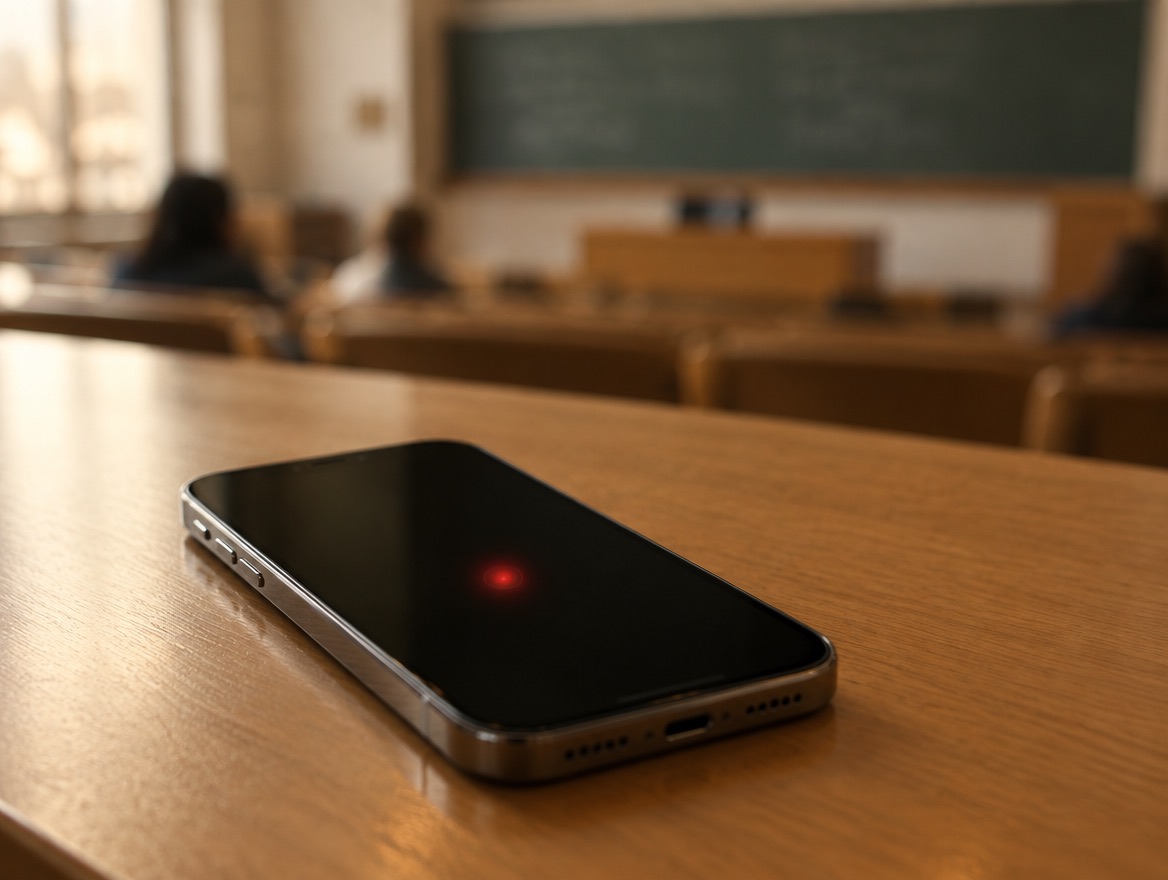
Record every lecture
One tap to start. Leave your phone recording in your bag or on the desk while you focus on the class instead of your notebook.
Transcribed & summarized
Get a full transcript, a clean AI summary, and key terms automatically, ready to read in minutes, not hours of replaying audio.

Every class, organized
Tag recordings to a subject so studying starts from an organized library, not a pile of unlabeled voice memos.

Built with privacy in mind
Speech recognition runs on-device whenever possible, and only what's needed leaves your phone to generate a summary. Your recordings stay yours.

Good to know
When is NoteCast launching?
NoteCast is in active development. Drop your email in and we'll let you know the moment it lands on the App Store.
What will it cost?
NoteCast will be free to start, with an optional subscription that unlocks unlimited recordings and AI summaries.
Which devices are supported?
NoteCast is built natively for iPhone on iOS 26 and later, using SwiftUI and Apple's on-device speech recognition.
Is my data private?
Yes. Transcription runs on-device whenever possible, and NoteCast never sells your data or shows ads. See the privacy policy for details.
Be the first to know when NoteCast ships.
No spam, no noise. Just one email the day it's live on the App Store.